
Method 1 – Use Find My iPhone (BEST & MOST ACCURATE)
Apple’s Find My network is the most reliable way to track a lost iPhone.
Requirements –
- Apple ID must be logged in
- Find My enabled
- Internet connection (Wi-Fi or mobile data)
Steps to follow –
- Open a browser on another device
- Visit iCloud Find Devices
- Sign in using your Apple ID
- Select your lost iPhone.
What you can do here –
- View live location on the map
- Play sound (even if silent)
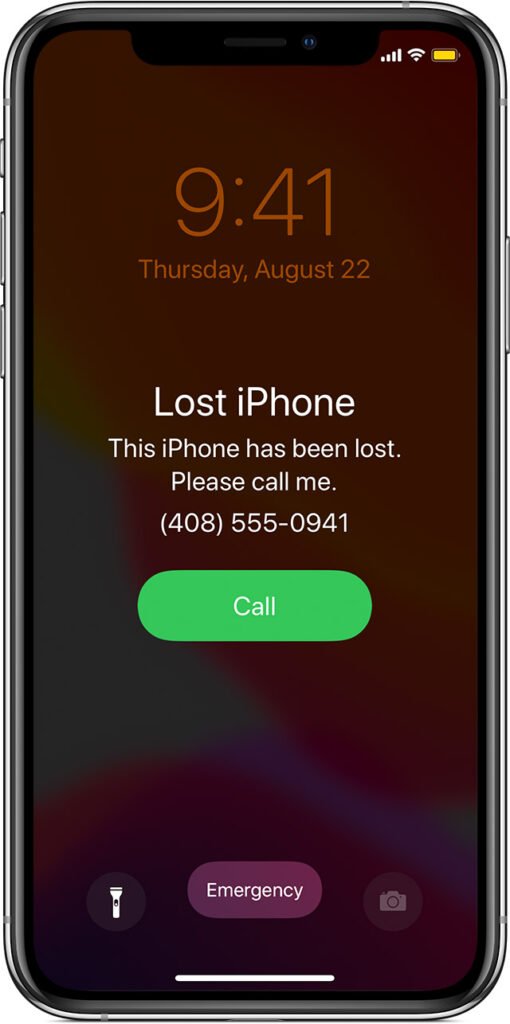
- Enable Lost Mode
- Erase iPhone remotely
Note – Even if your iPhone is powered off, Apple shows its last known location using the Find My network.
Method 2 – Track iPhone Using Find My App (From Another Apple Device)
If you have another Apple device, you can follow these steps –
- Open the Find My app
- Go to Devices
- Select your lost iPhone
Where you can –
- Navigate to the location
- Lock the device
- Display a custom message with the contact number
Method 3 – Enable Lost Mode Immediately
Lost Mode helps protect your iPhone and data.
What Lost Mode Does:
- Locks iPhone with a passcode
- Disables Apple Pay
- Displays a message on the lock screen
- Tracks the location continuously
Method 4 – Block SIM Card to Prevent Misuse
If your iPhone is lost with a SIM inside, you should –
- Contact your telecom provider
- Request SIM suspension
- Get a replacement SIM later
Which will help you to protects –
- OTPs
- Banking alerts
- iMessage & FaceTime
Method 5: File Online FIR (For Theft Cases)
If your iPhone is stolen, file an online FIR through your state police portal.
Advantage –
- Required for insurance
- Legal safety
- Helpful during recovery
Important iPhone Safety Tips (2026)
- Keep Find My iPhone always ON
- Enable 2-factor authentication
- Use a strong passcode + Face ID
- Keep Apple ID recovery contact updated
- Never share Apple ID details